GoHighLevel CRM for Agencies: The Complete Setup and Optimization Guide 2026
GoHighLevel CRM for Agencies:
The Complete Setup and Optimization Guide
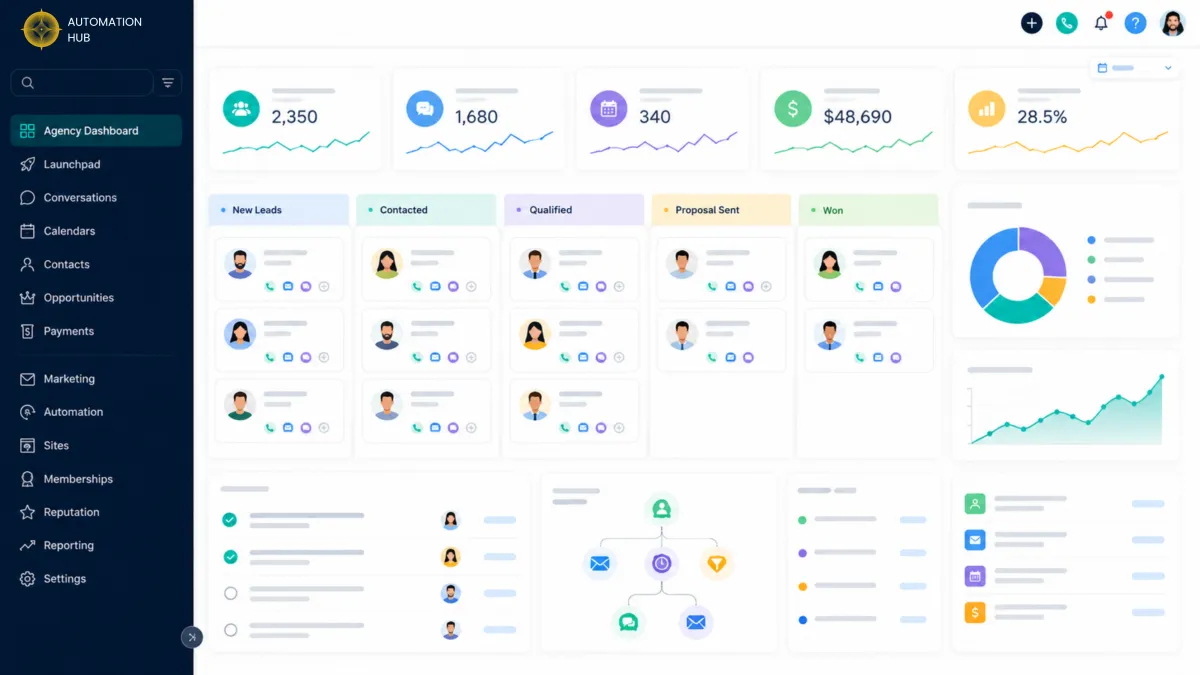
Running an agency without a properly configured CRM is like running a restaurant without a kitchen. You might take orders, but nothing is getting delivered. GoHighLevel was built specifically for agencies - and when it is set up correctly, it becomes the single most powerful growth tool in your business.
But here is the problem most agency owners face: GoHighLevel has so many features that setting it up properly feels overwhelming. Most agencies end up using 20 percent of the platform's capabilities and wondering why they are not seeing the results they expected.
In this complete 2026 guide, we walk through exactly how to set up GoHighLevel CRM for your agency - covering everything from initial account structure to advanced pipeline optimization, client reporting, and scaling strategies.
Table of Contents
- Why GoHighLevel Is the Ideal CRM for Agencies
- Setting Up Your GHL Account Structure
- Building Your Agency Pipeline
- Contact Management and Tagging Strategy
- Automating Your Agency's Follow-Up
- Client Reporting Inside GHL
- Advanced Strategies for Agency Growth
- Common GHL CRM Mistakes Agencies Make
- GHL CRM vs. Other CRM Tools
- Frequently Asked Questions
01Why GoHighLevel Is the Ideal CRM for Agencies
Most CRM tools were built for individual businesses. GoHighLevel was built for agencies - and that distinction matters enormously.
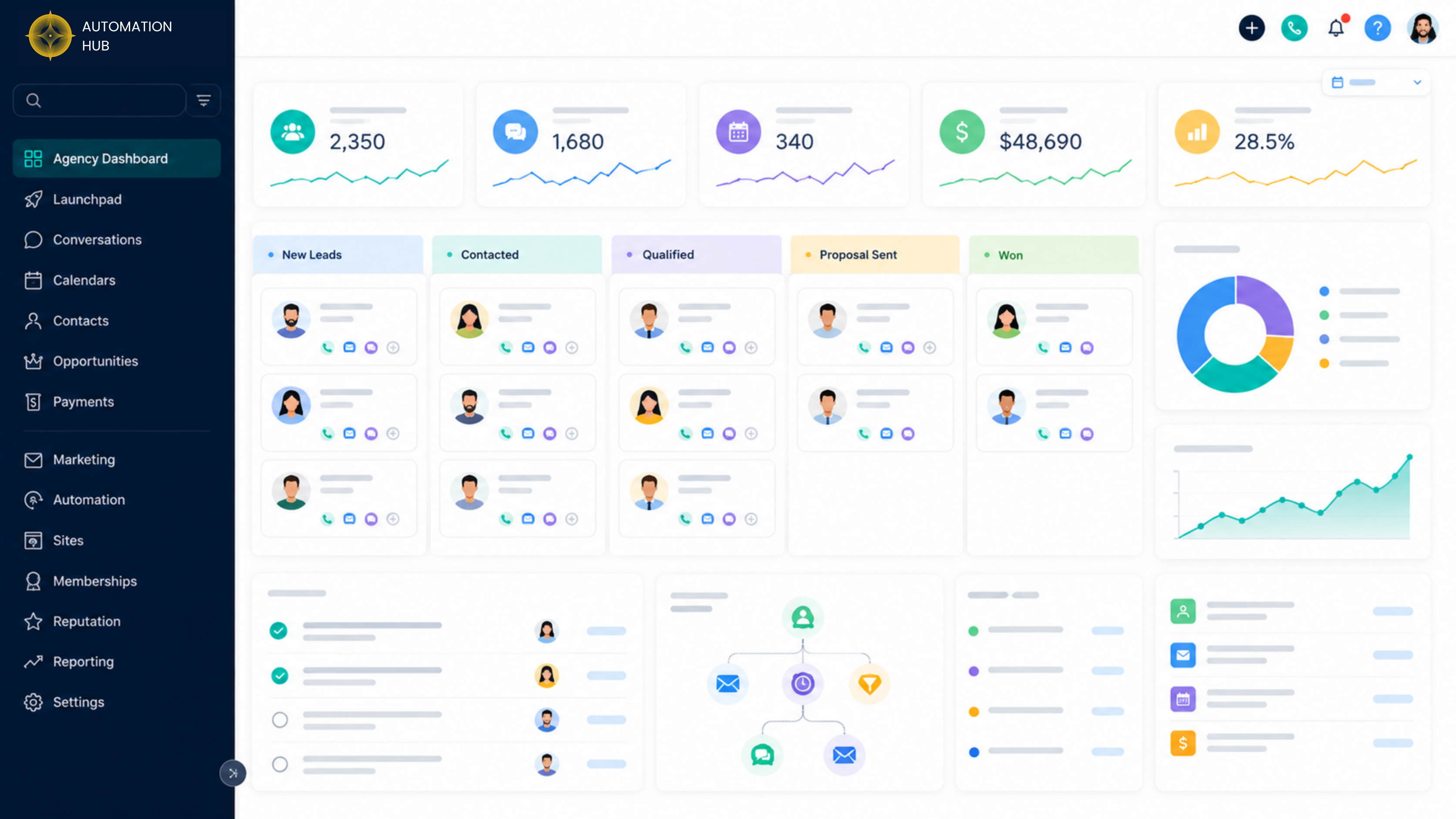
Traditional CRMs like HubSpot, Salesforce, or Zoho are single-account systems. If you manage 15 clients, you are either paying for 15 separate accounts or trying to shoehorn all of your clients into a single account with messy workarounds. GoHighLevel solves this with its agency and sub-account model, which lets you manage unlimited client accounts from a single dashboard - each fully isolated with its own contacts, pipelines, automations, funnels, calendars, and reporting.
For agencies, this creates two major opportunities. First, you can run your own agency operations entirely inside GHL. Second, you can offer GHL-powered services to clients and build a recurring revenue stream from sub-account management. Both depend on having your account set up correctly from the start.
02Setting Up Your GHL Account Structure
The foundation of a well-performing GHL CRM is a clean, logical account structure. Getting this right from day one saves enormous time and prevents the data problems that plague agencies who set up GHL reactively.
Agency Account vs. Sub-Accounts
Your GHL agency account is the top-level dashboard from which you manage everything. Each client gets their own sub-account - a fully independent CRM environment with its own contacts, pipelines, automations, and settings. Sub-accounts are completely isolated from each other, so there is no risk of client data crossing over.
Setting Up Your Own Agency Sub-Account
Before building anything for clients, set up a dedicated sub-account for your own agency. This is where you manage your own leads, prospects, and existing clients. Treat it with the same care and intentionality you would apply to any client account.
Defining Your Team Structure
Assign team members to the appropriate sub-accounts with the correct permission levels. GHL allows granular user permissions so you can control exactly what each team member can see and do. Assign account managers to client sub-accounts and restrict access to billing and account-level settings.
Setting Up Core Integrations
Before going live, connect your core integrations: Twilio for SMS and voice, Mailgun or SendGrid for email deliverability, Stripe for payments, and Google My Business for reputation management. These integrations are what allow GHL to function as a true all-in-one system rather than just a CRM.
03Building Your Agency Pipeline
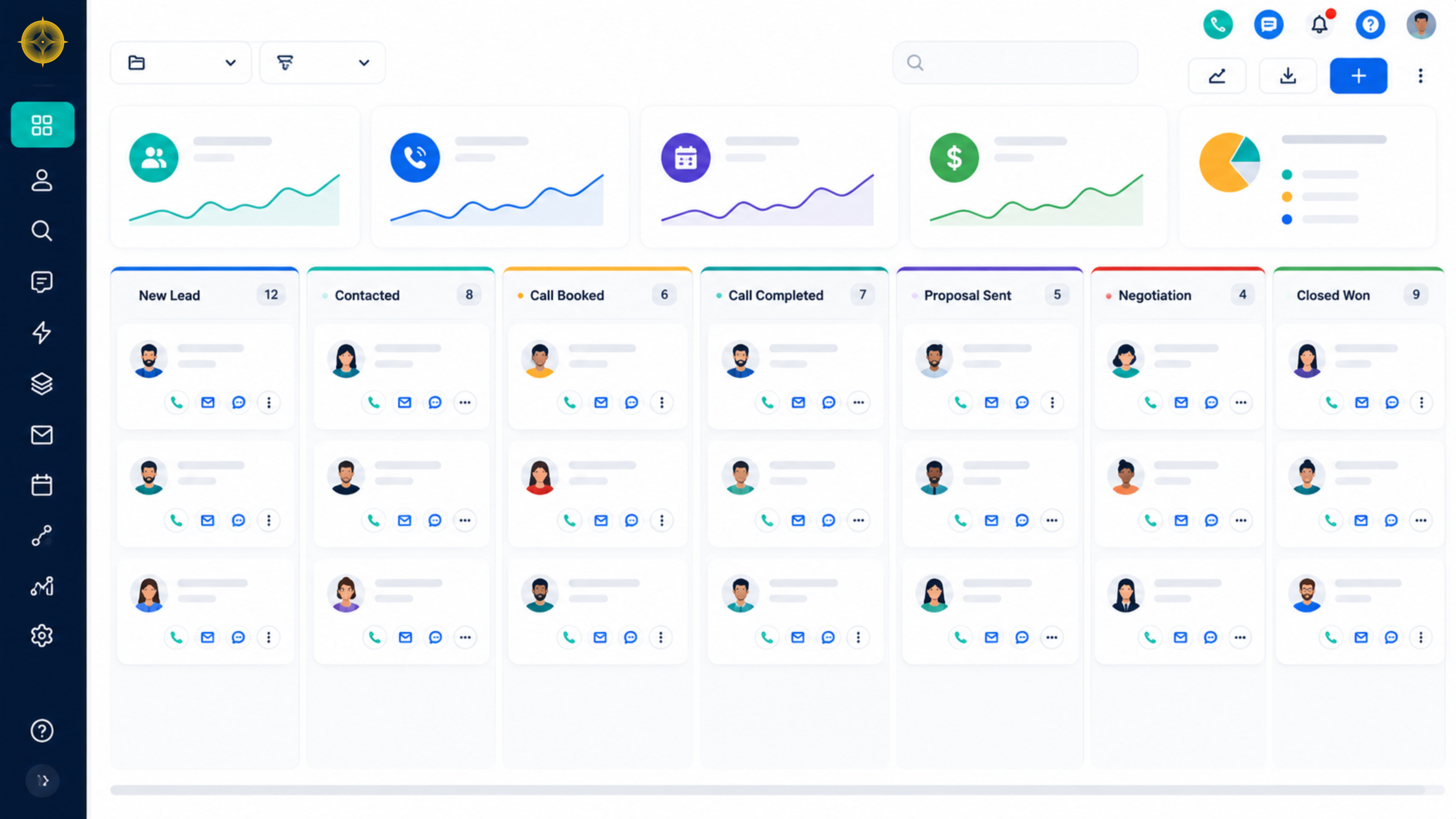
Your pipeline is the visual representation of your sales process. In GHL, you can build multiple pipelines for different purposes: new business development, client onboarding, project delivery, and retention.
Your New Business Pipeline
For most agencies, the new business pipeline follows a structure like this:
Building a Client Onboarding Pipeline
Once a deal is closed, move the contact into a separate onboarding pipeline. This keeps your new business pipeline clean and gives your delivery team a clear view of where each new client is in the setup process.
Using Pipeline Automation
Every time a contact moves to a new pipeline stage, GHL can fire an automation. Use this to trigger internal notifications, send the contact a relevant message, or assign a task to a team member. Pipeline-triggered automations are one of the most underutilized features in GHL and one of the highest-leverage improvements you can make.
04Contact Management and Tagging Strategy
A CRM is only as useful as the quality of data inside it. The real value comes from building a structured, consistent contact management system that gives you a clear picture of every lead and client relationship at a glance.
Custom Fields
GHL allows you to create custom fields for contacts, companies, and opportunities. Use these to capture agency-specific data: marketing budget, primary platform, number of locations, contract value, or renewal date. Custom fields make your contacts searchable and filterable in ways that generic fields cannot.
Your Tagging Strategy
Build your tag library around three distinct categories:
Source Tags
Where the lead came from - Referral, Facebook Ad, Cold Outreach, Website Form
Status Tags
Relationship stage - New Lead, Active Client, Past Client, Re-Engage Later
Service Tags
What they need - GHL Setup, Automation Build, Voice AI, Full Management
Smart Lists
Use GHL's smart list feature to build dynamic contact segments based on tags, pipeline stage, custom field values, or activity. Smart lists update automatically as contacts meet or stop meeting the filter criteria - perfect for targeted follow-up campaigns and reporting.
05Automating Your Agency's Follow-Up
An agency CRM without automation is just an expensive spreadsheet. The combination of GHL's contact management system and its workflow automation engine is where the platform generates real ROI.
Lead Response Automation
Every new lead that enters your agency pipeline should receive an immediate automated response within 5 minutes. Research consistently shows that responding within the first 5 minutes dramatically outperforms responses made 30 minutes later in terms of conversion rate.
Proposal Follow-Up Sequence
When a contact moves to the Proposal Sent pipeline stage, trigger an automated sequence: a check-in SMS on day 2, a value-add email on day 4, and a final follow-up on day 7. Contacts who respond at any point should be immediately removed from the sequence and flagged for human follow-up.
Client Onboarding Automation
Once a deal is closed, your onboarding process should begin automatically. A pipeline stage change to Closed Won should trigger: a welcome email, a task assignment to the account manager, a request for access credentials, and a kickoff call booking link.
Renewal and Retention Workflows
Build automations that fire 60, 30, and 7 days before a client's contract renewal date. Use these touchpoints to proactively address concerns, share recent results, and present renewal or upsell options.
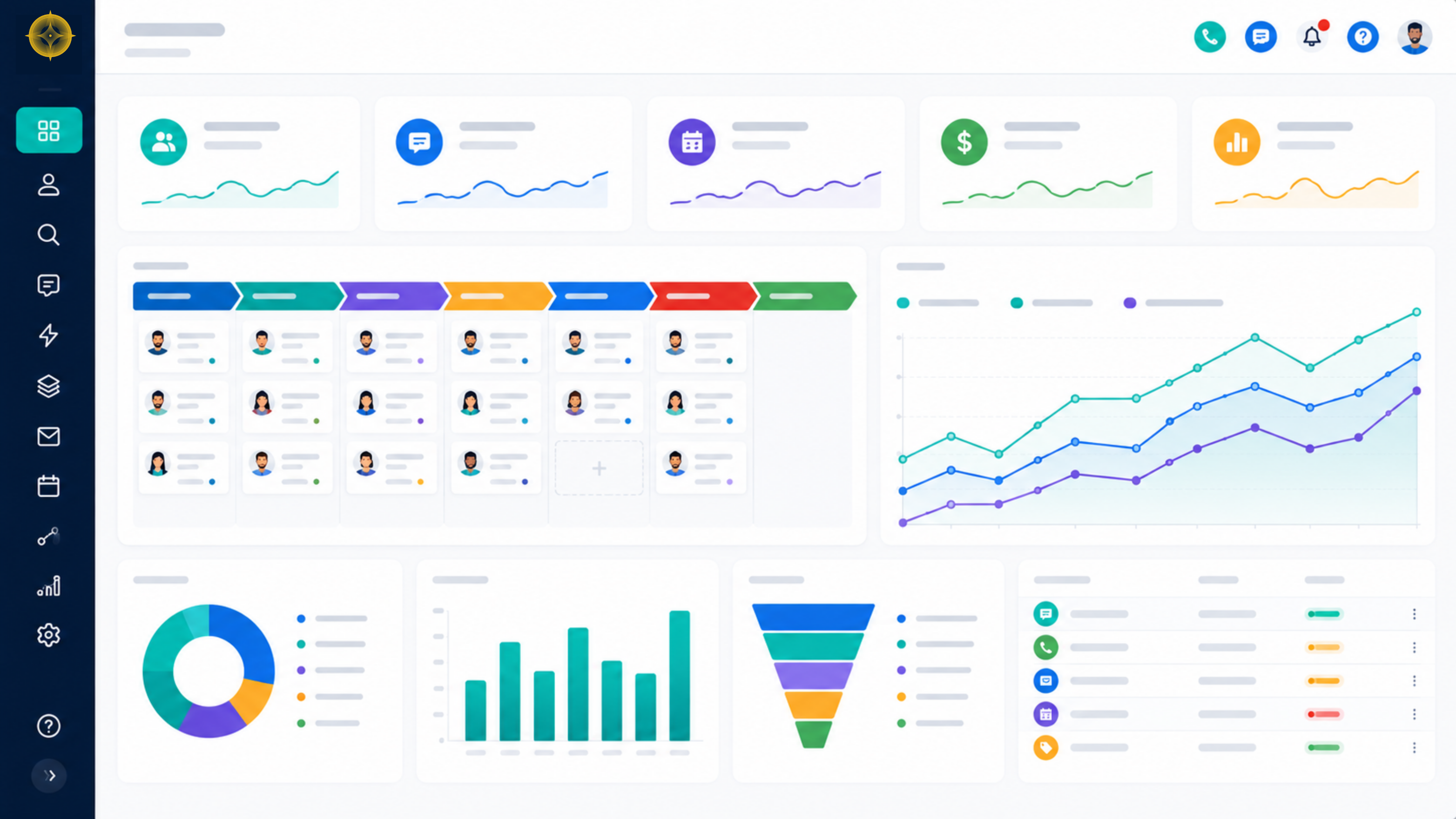
06Client Reporting Inside GHL
Reporting is one of the most overlooked capabilities in GHL for agencies. For agencies running client operations inside GHL, the platform's native reporting gives you access to data that external tools simply cannot replicate.
Pipeline Reporting
GHL's pipeline reporting shows total deal value per stage, conversion rates between stages, average time in each stage, and deal velocity. For agencies managing their own new business pipeline inside GHL, this data is invaluable for forecasting revenue and identifying bottlenecks.
Conversation Reporting
GHL tracks all conversations across SMS, email, and social channels in a unified inbox. The reporting dashboard shows response times, message volume, and channel performance - giving you a clear picture of team responsiveness and communication quality.
Workflow Analytics
Every workflow in GHL has its own analytics dashboard showing contacts who entered, completion rates at each step, and overall goal completion. Use this to identify which steps are causing drop-off and optimize accordingly.
07Advanced Strategies for Agency Growth
Snapshot Library
Build a library of GHL snapshots for different client types: local service businesses, e-commerce, coaches, real estate. Each snapshot contains the pipelines, workflows, funnels, and settings relevant to that client type. Deploy and customize rather than building from scratch. This alone can cut your onboarding time by 70 percent.
White-Label GHL
GHL's SaaS mode allows agencies to white-label the platform under their own brand and resell it to clients as a proprietary CRM. This creates a recurring software revenue stream on top of your service revenue. Many agencies generate $5,000 to $20,000 per month in pure SaaS revenue alongside their service fees.
AI Voice Integration
GHL's voice AI capability lets agencies deploy AI-powered phone agents for client accounts. These agents handle inbound calls, qualify leads, answer FAQs, and book appointments - 24 hours a day, 7 days a week. For local business clients who miss calls regularly, this is a high-value add-on that solves a real problem.
Quarterly Sub-Account Audits
Schedule quarterly performance audits for every active client sub-account. Review workflow performance, pipeline conversion rates, contact growth, and automation health. Present findings as part of your reporting cadence - this positions your agency as a strategic partner, not just a service vendor.
08Common GHL CRM Mistakes Agencies Make
These are the mistakes the AutomationHub team sees most frequently when auditing agency GHL accounts.
Building for clients before building for yourself
Most agencies set up GHL for clients first and never properly configure their own agency account. Your own pipeline and automations should be the first - and most refined - thing you build.
No pipeline hygiene process
Pipelines accumulate stale contacts over time. Build a monthly review process that moves stale contacts to a re-engagement workflow or marks them as lost. Clean pipelines produce accurate forecasts.
Ignoring custom fields
Generic contact data is not enough for agencies managing complex client relationships. Set up custom fields from day one and make sure your team fills them in consistently.
Using GHL as a contact database only
If you are storing contacts but not running automations or tracking pipeline stages, you are paying for a platform you are not using. The ROI of GHL is entirely in the automation layer.
Not training the team
GHL requires intentional adoption. Agencies that roll out GHL without team training end up with inconsistent data, skipped pipeline stages, and frustrated team members.
09GHL CRM vs. Other CRM Tools
| Feature | GoHighLevel | HubSpot | Salesforce | Zoho |
|---|---|---|---|---|
| Built for Agencies | Yes | No | No | No |
| Sub-Account Model | Yes | No | No | No |
| Built-in SMS | Yes | Add-on | Add-on | Add-on |
| Built-in Email | Yes | Yes | Add-on | Yes |
| Workflow Automation | Advanced | Advanced | Advanced | Basic |
| Funnel Builder | Yes | No | No | No |
| Voice AI | Yes | No | No | No |
| White Label Option | Yes | No | No | No |
| Agency Pricing Model | Flat rate | Per seat | Per seat | Per seat |
| Reputation Management | Built-in | No | No | No |
For agencies specifically, GoHighLevel wins on almost every dimension that matters - particularly the sub-account model, flat-rate pricing, and the breadth of built-in tools that eliminate the need for a separate tech stack.
10Frequently Asked Questions
Affiliate Disclosure
Some links in this guide may be affiliate links. If you sign up for GoHighLevel through our link, AutomationHub may earn a commission at no additional cost to you. We only recommend tools we use and trust - GoHighLevel is the platform we build our entire business on.
Try GoHighLevel via AutomationHub